

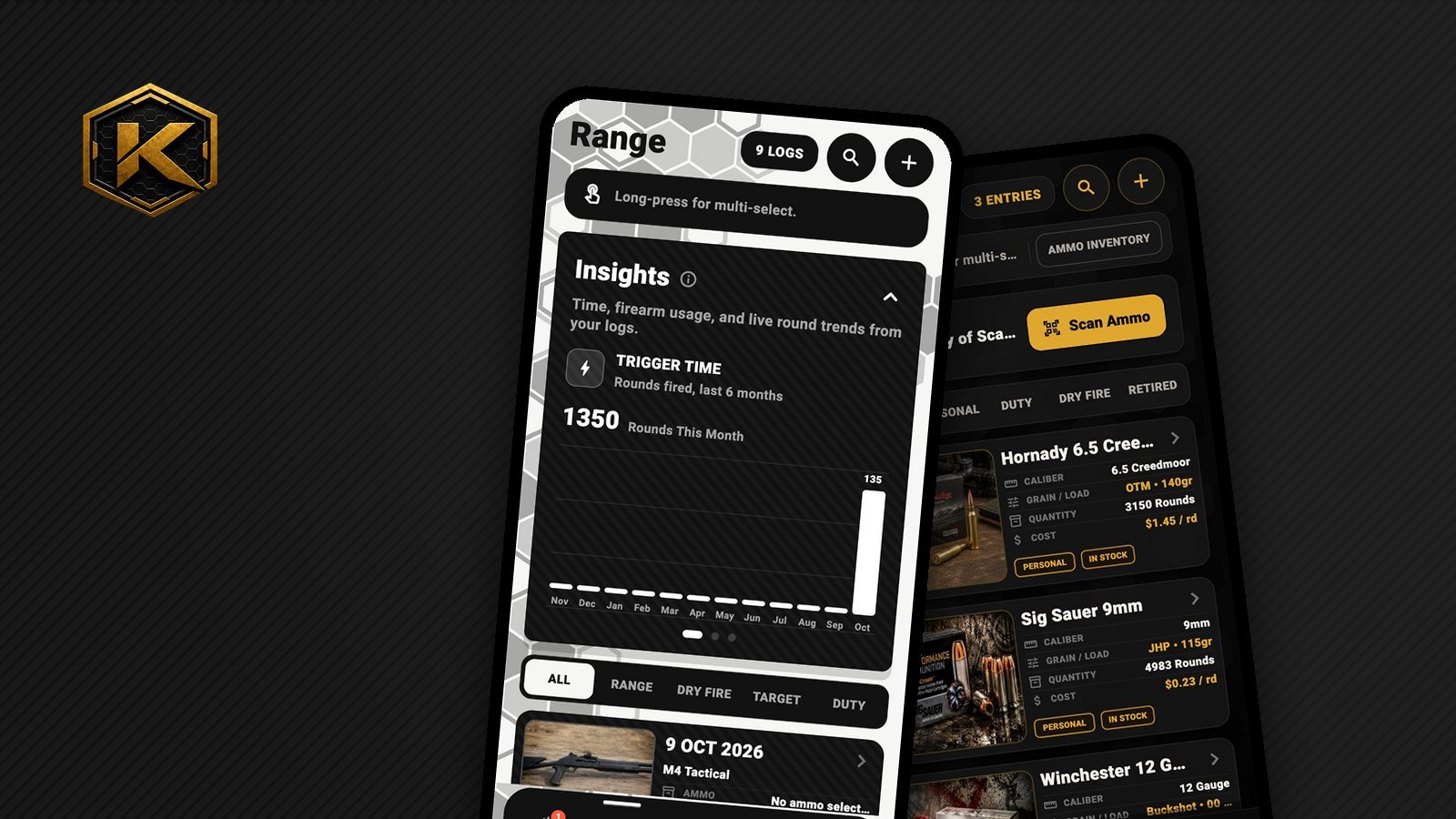
Good motion is the stuff you don't notice until it's missing. Kalix 1.8 added a handful of small animations, each with a job to do, plus a few fixes nobody will ever see. Here's what went into them.
Filters that snap like a selector
The ALL / PERSONAL / DUTY filters used to just swap a highlight. Now a pill glides to your pick and locks: a tiny squeeze, a bounce, and a light tap you can feel through the phone.
The goal was a safety selector clicking into place, not a button on a web page. It took more tries than we'd like to admit to get it feeling firm instead of bouncy.
Cards that cascade, but only once
Open a list or change a filter and the cards rise into place one after another, like rounds feeding from a magazine.
The tricky part was making them stop. Phones quietly rebuild list items as you scroll, so every card thought it was brand new and tried to animate again. Scroll back up and you'd get the whole show a second time. Now each card remembers whether its list just changed. If it didn't, it simply appears. No déjà vu.
Numbers that roll
Log a range session and your round count doesn't just jump to the new total. Each digit rolls up like a car odometer. It's a small thing, but it makes logging a session feel like it counted for something.
Pop-ups with a spring
Kalix has dozens of slide-up pop-ups, for adding gear, confirming deletes, picking dates and more. They all now share one motion: up with a hint of spring, down a little quicker. Because they share it, every pop-up feels like it belongs to the same app, no matter who opens it or where.
The invisible fixes
- Hidden tabs were still dancing. Kalix keeps every tab ready so switching feels instant. The catch: tabs you weren't looking at kept animating behind the scenes, like a TV left on in an empty room. Hidden tabs now pause until you come back.
- Only redraw what moves. When a card fades in or a DUE tag pulses, the phone used to redraw the photo next to it too. Now moving things sit on their own layer, so only they get redrawn.
- Reduce Motion is respected. If your phone is set to cut down on motion, every one of these animations steps aside and things just appear.
Why bother?
Because an inventory app gets opened with greasy hands at the bench or between strings at the range. It should feel instant and solid, every time. None of this shows up on a feature list, but you'd feel it if it were gone.
Want more posts like this? Tell us on the Support page.
Posted in Build Log · Animation · Performance · Behind the Scenes